
Select and edit objects
Select objects
The Select Objects tool is very useful for selecting all objects or cuts that meet specific criteria.
You can find this in the Shop Fitting tab under Tools.
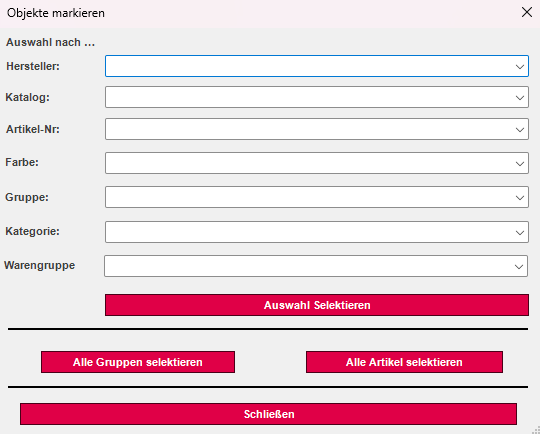
Manufacturer: Shows you all manufacturers of the shelves used.
Catalog: Allows you to filter from all catalogs in use.
Item No.: Provides you with all item numbers.
Color: Allows you to choose from all colors used.
Group: Displays all groups.
Category: Specific filter for selecting objects with a specific category.
Product group: Specific filter for selecting object groups with a specific product group.
Edit objects
The Edit Objects function allows you to delete filtered elements of a selected object. Click on the button of the same name and the following window will open:
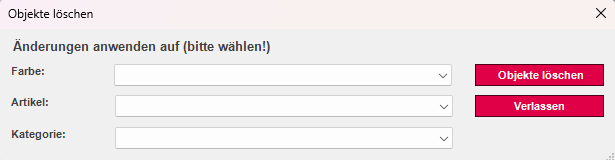
Please select the desired details here.