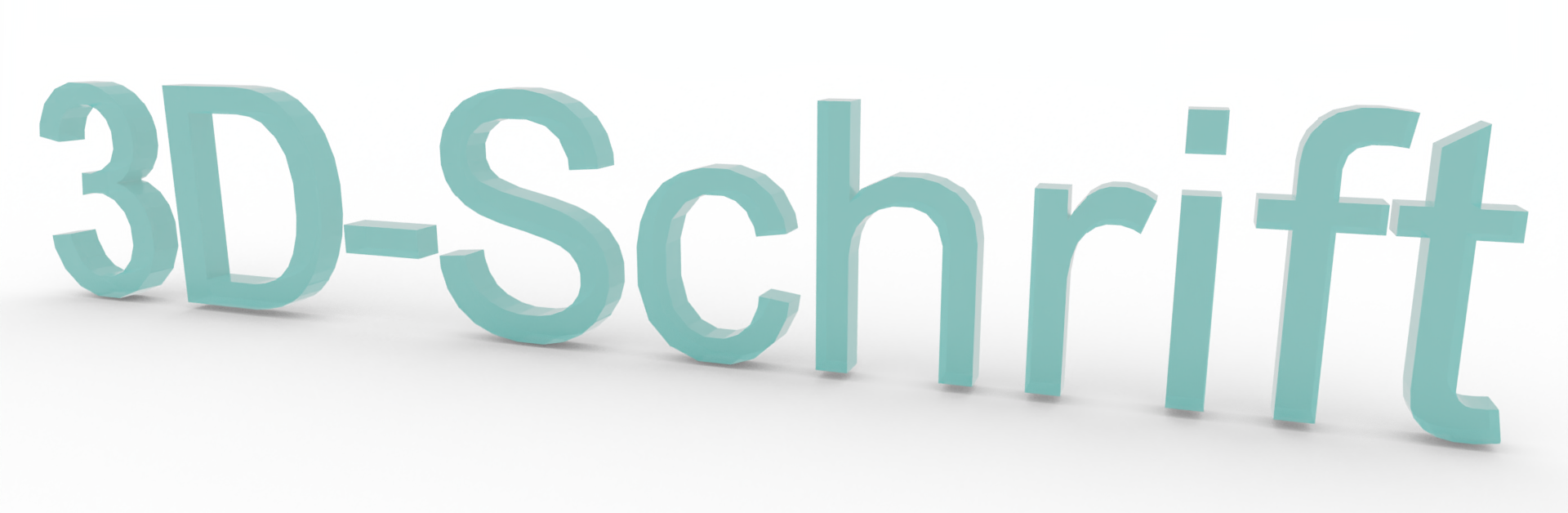
3D fonts
If you need 3D lettering for your planning, such as for displays of acrylic letters or illuminated lettering, you can create them yourself in just a few steps.
From Text to 3D Text
- Insert text in the desired font
- Select the text and in the menu Edit the function 2D Symbol select
- Dissolve the created group Ctrl+U or Menu Edit -> Resolve
- Shift the text slightly so that an outline of the text becomes visible
- Mark text outline and ungroup Ctrl+U
- Select all individual text objects and extrude, Menu Edit -> Extrude choose
The created 3D objects are no longer text and can no longer be edited as such. To change the text, you must write new text and repeat all the steps.