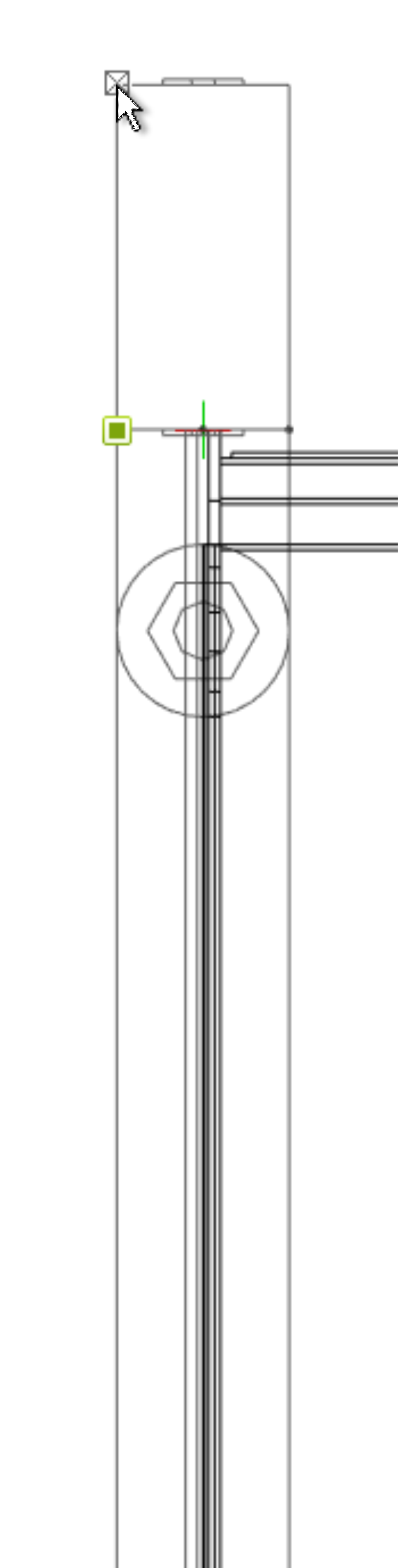
Positioning of modules / sections
Positioning or aligning a shelf cut or object.
Positioning
- Click briefly on the shelf or object
- A crosshair with arrows appears.
- That's why there's a green circle. Now click the top arrow.
- Now move the shelf or object as you wish
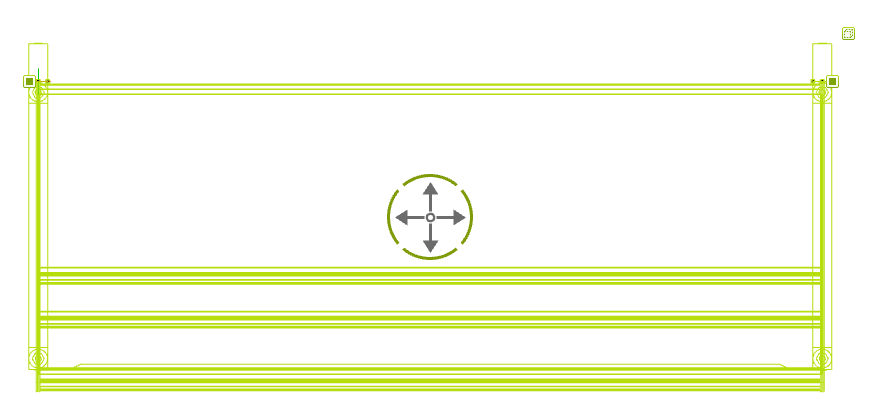
To position the wall shelf precisely on a wall, click on the back outer corner of the left column and move the shelf to the wall.