
Insert room elements
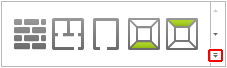
When you click the down arrow for the „Room elements“ function, a new window opens showing all available room elements.
Windows and doors
For wall elements, please select „Window.“ This can now be integrated into the planning. To do this, simply click on a wall to insert the window.
Then, please click on the window, which will highlight it. You are now in edit mode. You can now edit the various properties of the window.
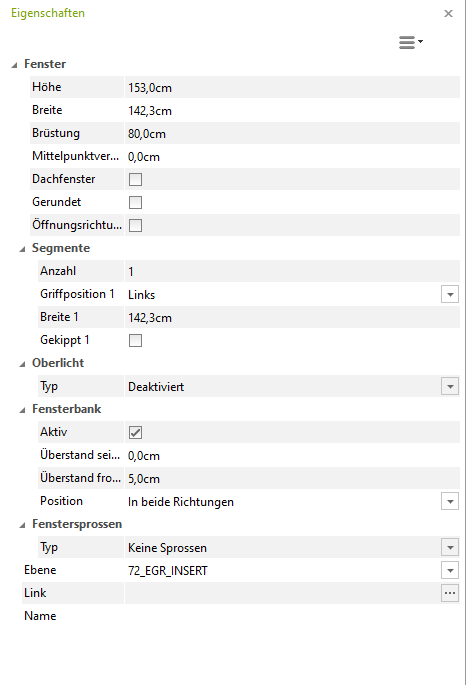
To edit the properties of the window, please switch to the property editor on the right edge of the view window.
The standard measurements for a window can be, for example:
- Height: 150 cm
- Width: 90 cm
- Parapet height: 50 cm
Now proceed in the same way to insert a door into your plan.