
Program interface
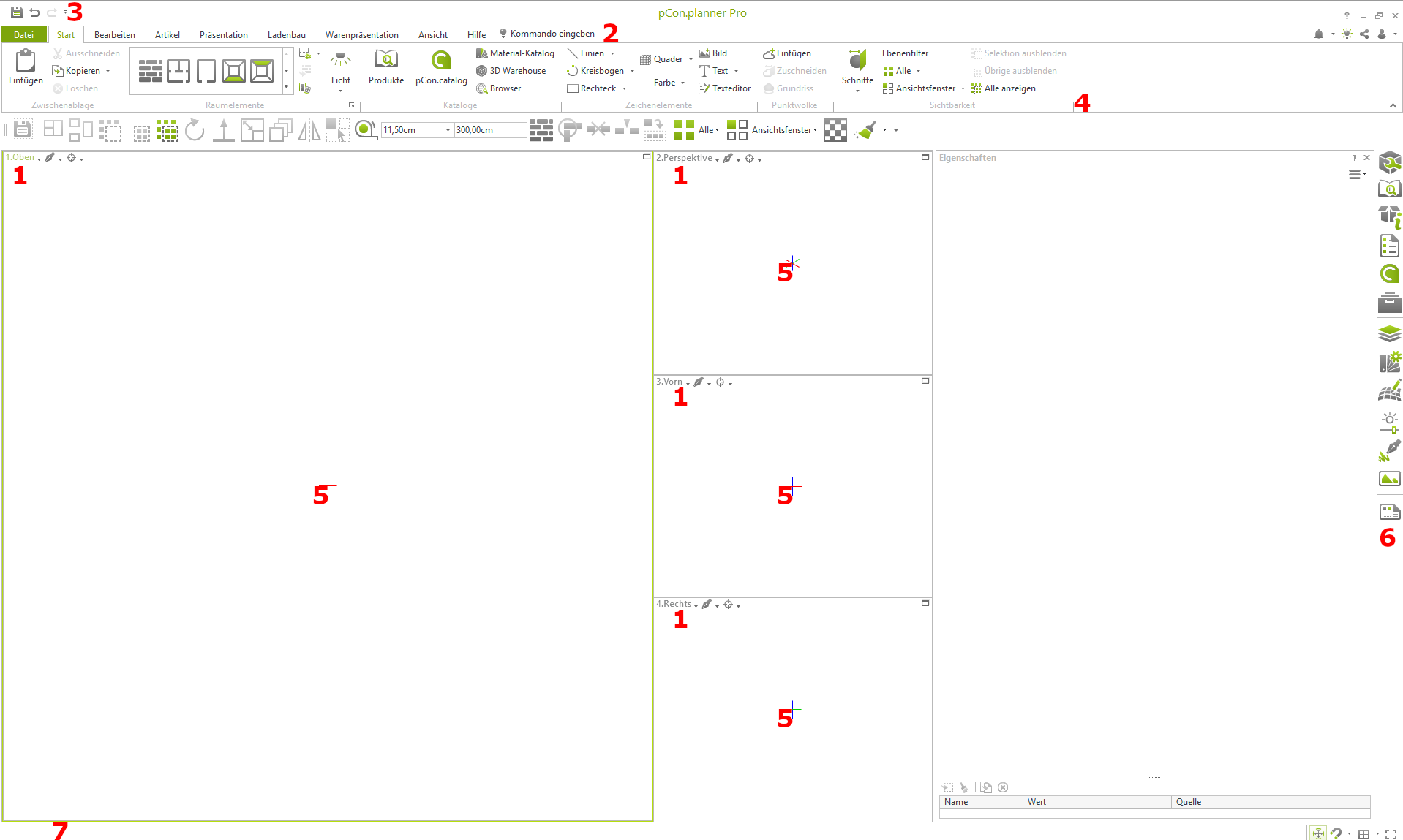
Through the pCon.planner icon on the desktop, you will enter the program interface of visual-STORE, which is divided into four viewports. This is the main workspace where you create your plans.
Legend
-
View control
-
Application menu
-
Quick Access Toolbar
-
Multi-function bar
-
Workspaces
-
Toolbar
-
Status bar
View Modes
-
Wireframe mode
-
Hidden edges
-
Color the drawing
-
Textured
-
Lighting mode
-
Realistic Mode
