Floor and ceiling
To insert a floor or ceiling, it must be a closed space.
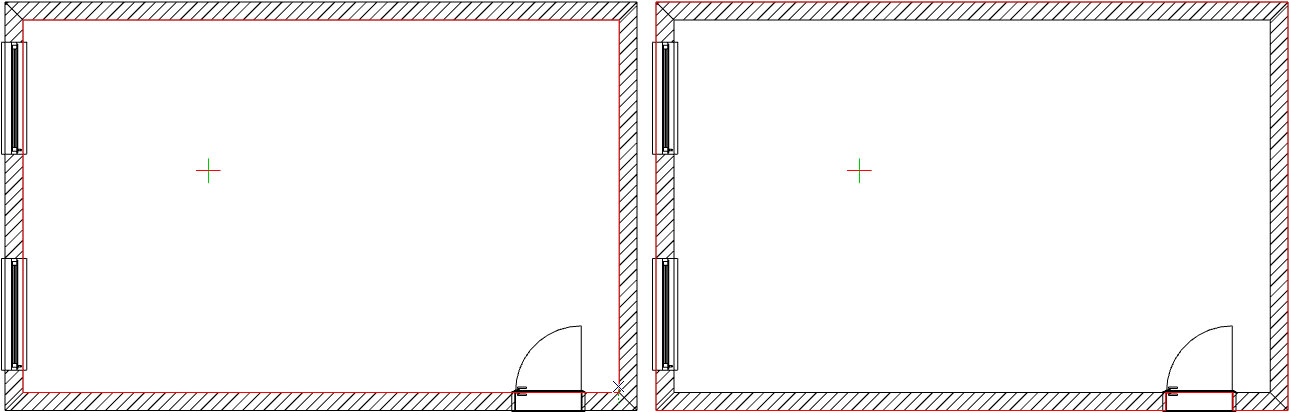
To insert a floor, please select „Floor“ under „Room Elements“ in the "Room" section. In the next step, move your mouse over your floor plan. You will now see a red frame around your floor plan. This indicates where the floor will be placed later.
Two placement options
- Move the mouse to the outside of the floor plan, and the floor will extend to the outside of the drawing.
- Move the mouse into the floor plan, and the floor will only be drawn within your drawing.
To place the floor, click once with your mouse in your floor plan, and the floor will be placed.