Generating Shelf Rows
Additional shelving units can be comfortably created using the "Row" function.
Procedure
- Select the created wall-mounted shelf, then click „Edit“ in the tab at the top.
- Then click the „Row“ icon.
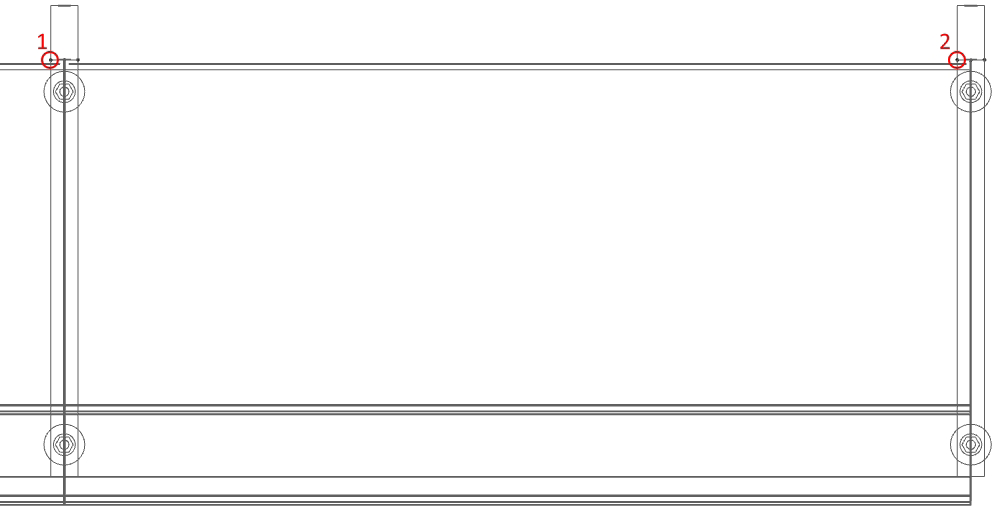
- Now click on the outermost point of the left column [1] and then on the innermost point of the right column. [2]
- The number 0.00 appears. Now press [ENTER] and be careful not to move the mouse. Next, the number 2 will appear. Please enter the number 9 there and press [ENTER] again.