Routes
The feature Routes allows you to stretch or compress an object along one dimension. A plane is defined within the object, from which the object is pulled in a specified direction (you can change the direction of the plane via the context menu). The basic shape is maintained: extend tables, change the height of shelves and cabinets—easily achieve your individual solution.
To stretch an object, follow these steps:
- Select yours grouped Object
- Click in the tab Edit on the command Routes
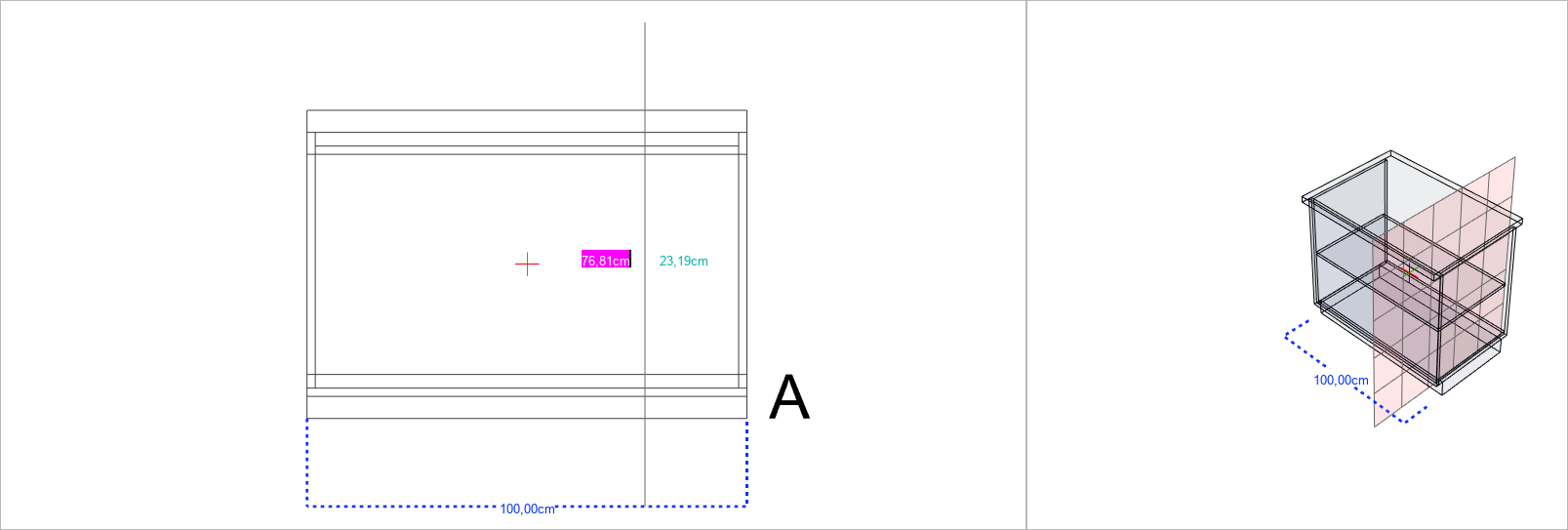
- Then, you can set the point with a left mouse click from which it should be stretched or compressed (A).
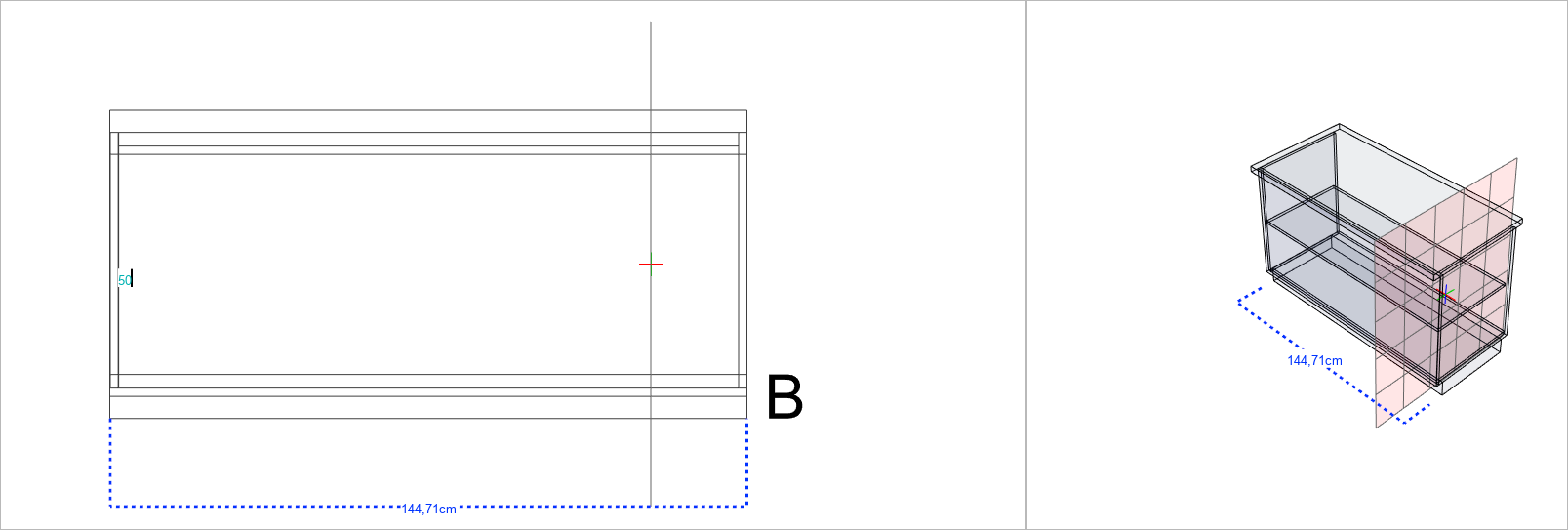
- Now, if you move the mouse left or right, you can stretch or compress the object. You can also enter a fixed value and with Enter confirm by how much you want to stretch or shrink the object. (Stretch positive number, Shrink negative number) (B)
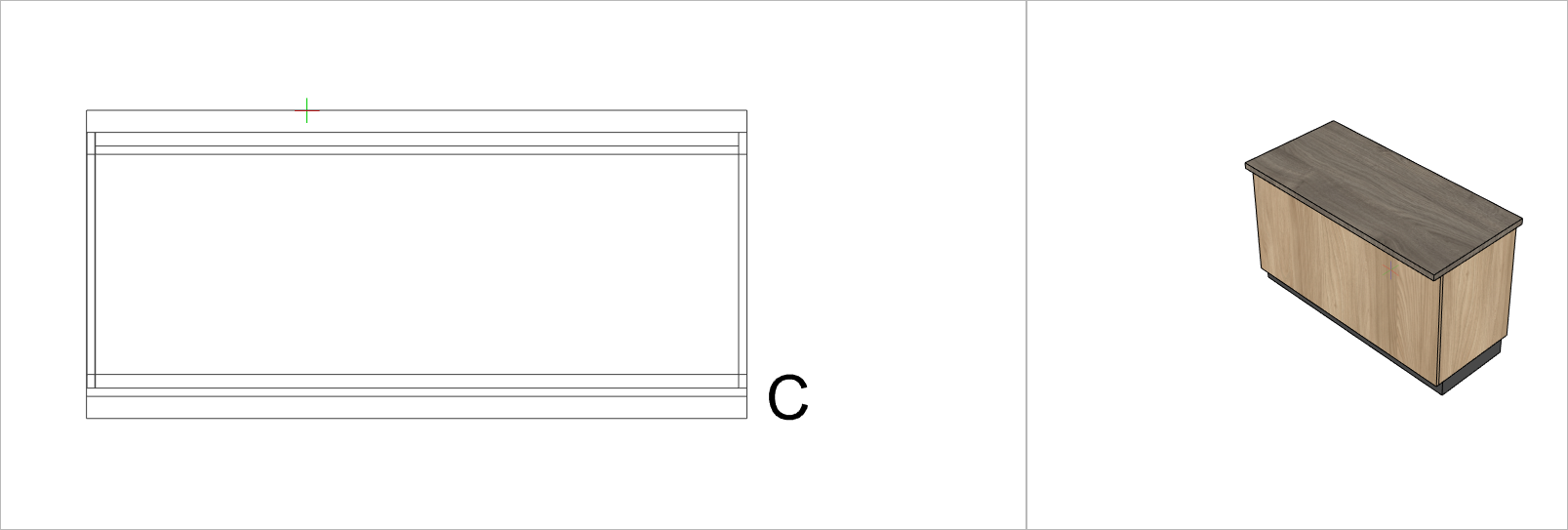
In this example, the counter was extended 50 cm to the left (C).