
Create and dissolve groups
If you want to create or dissolve a shelf group, you can do so in the tab Shopfitting on Create group or. Disband group click.
Create group
Select the shelves or cuts to group and click Create group.
The following window then opens:
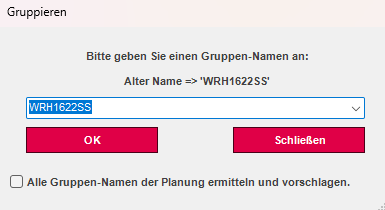
There you enter a new or existing group name and press Okay. The marked shelves were then assigned the same group.
Dissolve groups
By pressing the Disband group-Function, the first group of selected elements is dissolved.
Group to zero point
If you moved a cut or a shelf before it was fully constructed, you can reset it back to the zero point.
To do this, select the desired shelf and group it first. Then click on the function Group to zero point.