Environment
The environment allows control of the background for planning, as well as global illumination.
You can access the surroundings via the speed dial bar. Here you can set the following:

Background
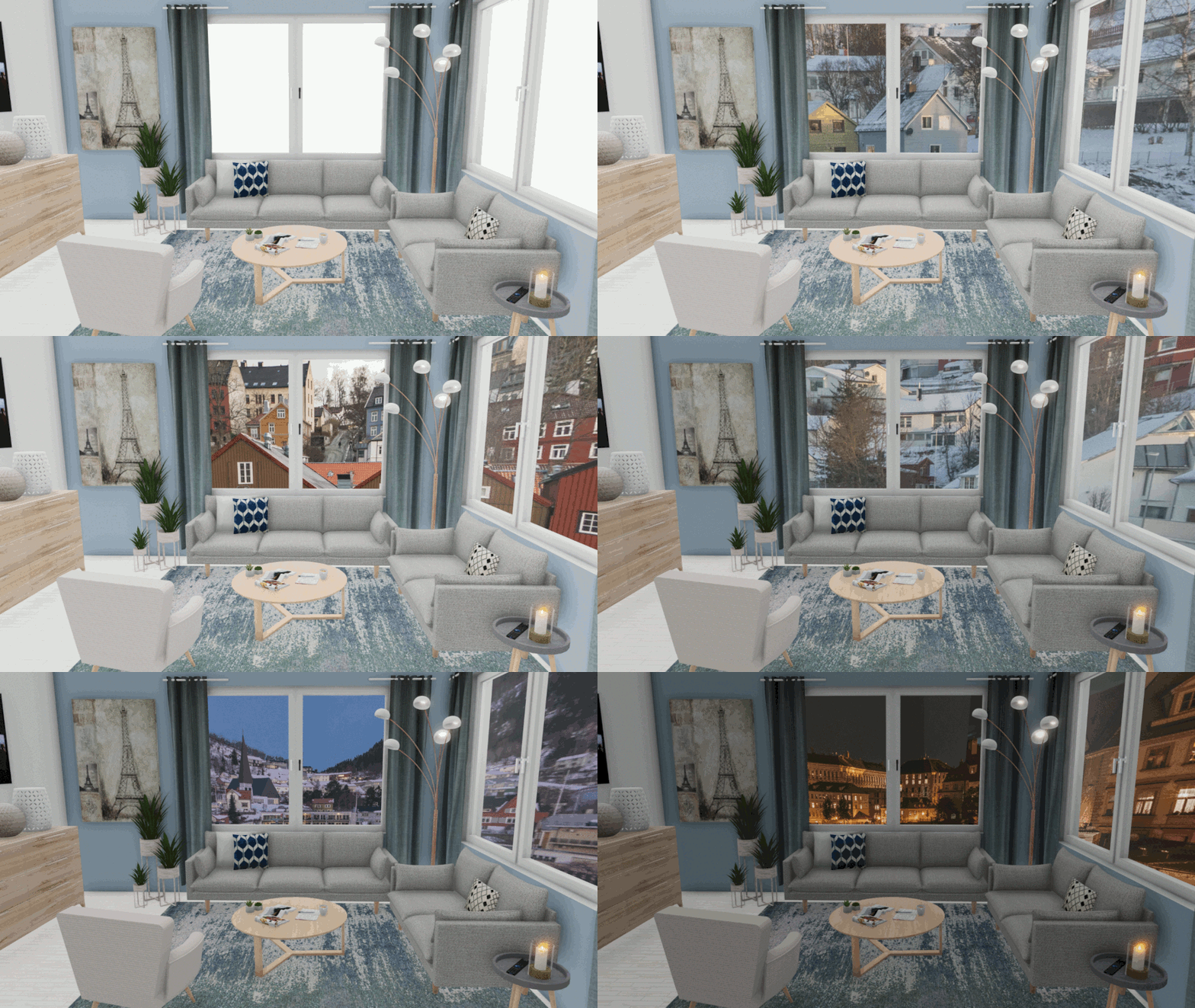
Upload a background that can be seen behind windows or external facilities. Any 360° panorama can be used. In addition to rotation, you can also adjust the opening angle and zoom level.
As standard, a skybox can be loaded.
Ambient light
The ambient light allows you to control global illumination. This also affects the color reproduction and reflection of the rendered objects. You can use 360° HDRI data here. In addition to rotation, the intensity of the lighting can also be adjusted.
You can find free 360° backgrounds and HDRIs here, among other places: https://hdrihaven.com/hdris/
The background and ambient light do not have to use the same file. You can mix them.
Rendering without ambient light:
Ambient light rendering