
Mark and edit objects
Mark objects
The Mark objects Tools are very helpful for marking all objects or cuts with specific criteria.
You will find this in the registry. Shopfitting at Tools.
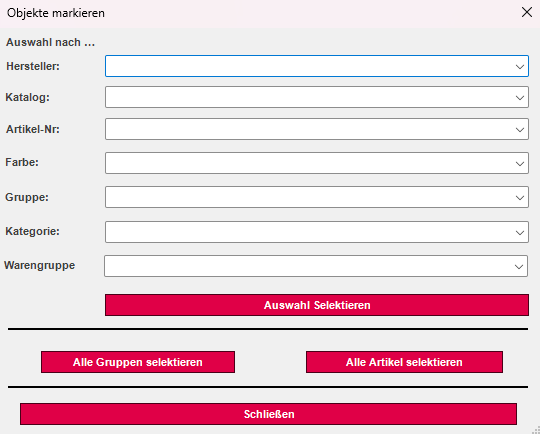
manufacturerShows you all manufacturers of the shelves used.
CatalogGives you the ability to filter from all used catalogs.
Article No.Provides all item numbers.
ColorAllows you to select from all used colors.
GroupShow all groups.
CategorySpecific filter, for selecting objects with a certain category.
Product GroupSpecific filter for selecting object groups with a certain product group.
Edit objects
When Edit objects-Function you have the option to delete filtered elements of a selected object. Click on the button of the same name and the following window will open:
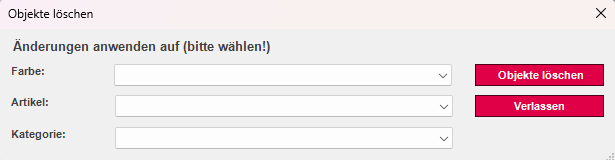
Please select the desired details here.