
Impress
Impress is a free web-based online service that allows you to, Panoramas, Multi Content Pictures and 3D data to share with your customers. For use Impress is an account with Dropbox, Google Drive or Microsoft OneDrive necessary. They are used as storage for presentation content, allowing you to decide who can see your content.
Provide a 3D file
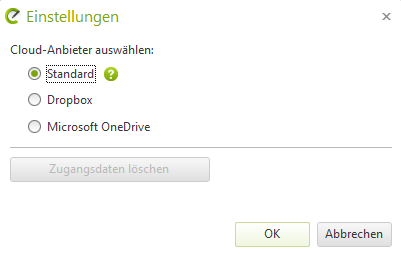
In your planning, mark a 3D object, in this example a wall shelf. Then, click on the upper right Share button. In the context menu that opens, you now have the following options: Standard, Dropbox, Microsoft OneDrive.

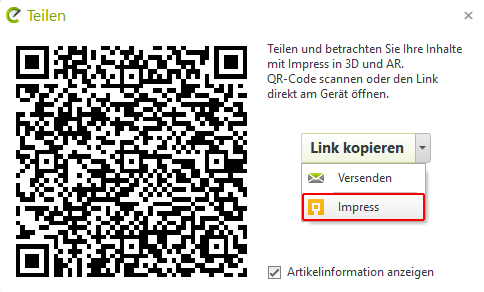
By pressing the Okay-Buttons, a QR code and link will be created. If you now click the arrow to the right of the button Copy link press, you have the option to open the 3D object in Impress, or to automatically load the link in your default email program.
Control
- With held Right mouse button or Mouse wheel, Can you rotate the 3D model
- With held Right-click, Can you move the camera
- With the Mouse wheel, can be zoomed in or out.
- With a Double-click, will the model be centered
Also here you now have the option of Sharing, Embedding and creating a Snapshots.
Please pay attention to the 3D data that they are no larger than 10 MB, as otherwise there will be display errors in the browser, and they will only be displayed very slowly.
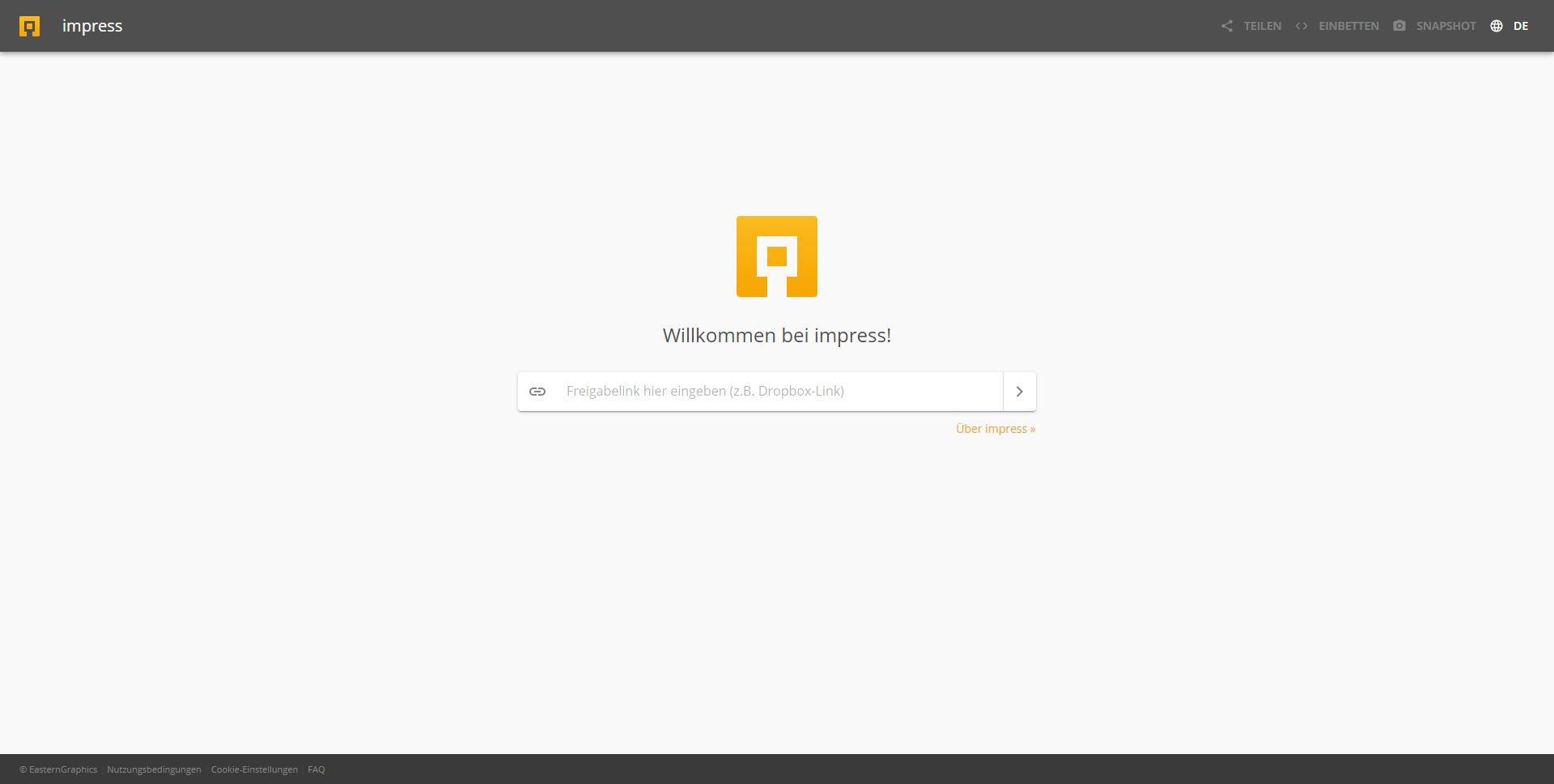
Provide a 360° panorama
After the image has finished rendering, upload it to your cloud storage. Once that is done, copy the share link to your clipboard using [CTRL] + [C]. Now, navigate to the following website and paste the share link there:
https://impress.pcon-solutions.com/
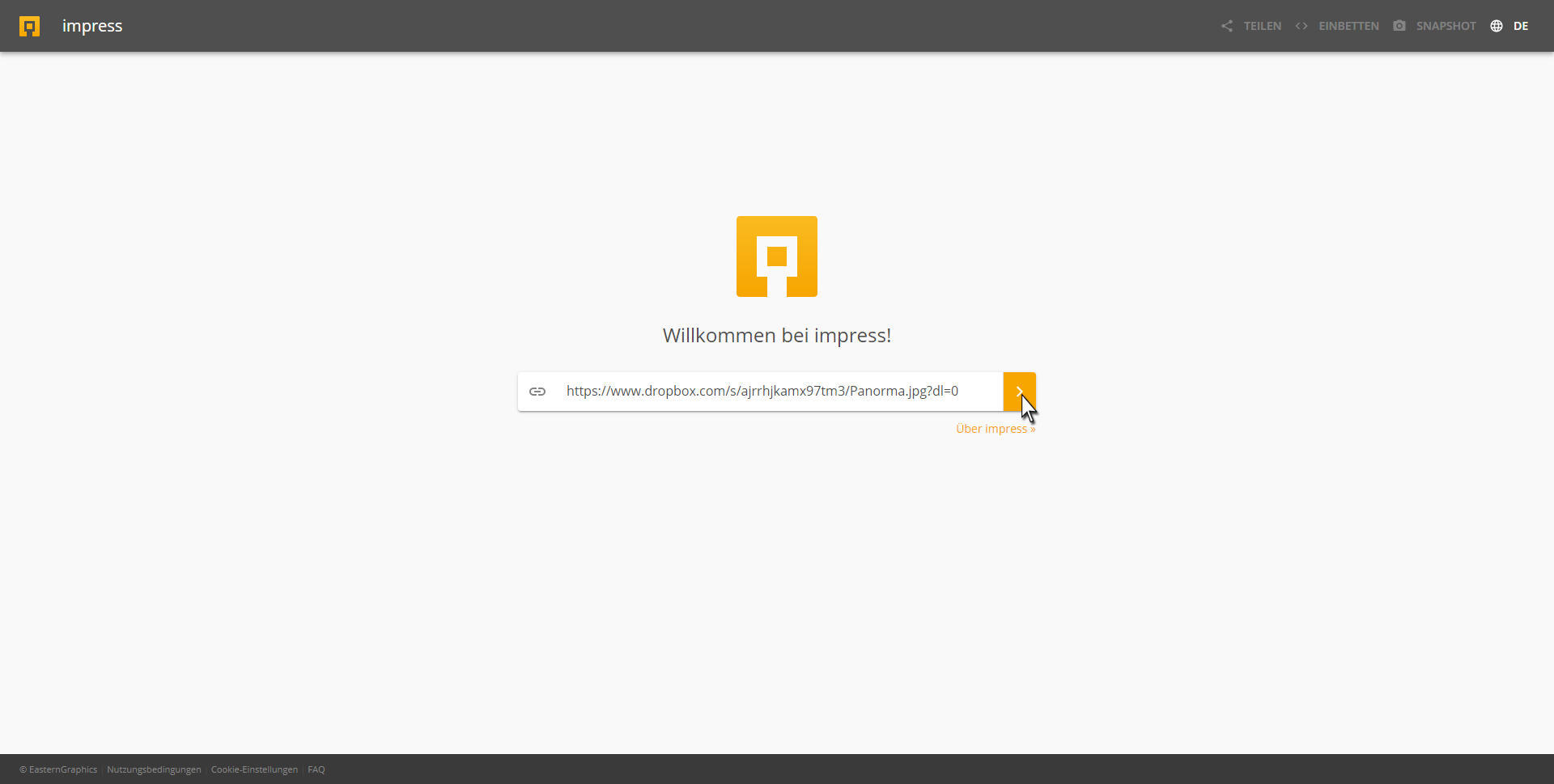
Click on the orange highlighted button. After that, your panorama will be loaded and displayed in the browser. With the Mouse wheel can you zoom in and out and by pressing Right mouse button You can rotate the panorama to look around. If you are with the right mouse button If you click within your panorama, you will have additional options in the context menus that open for the current perspective view.
- Representations
- Normal View
- Fisheye View
- Stereographic View
- Architectural View
- Pannini View
- Little Planet View
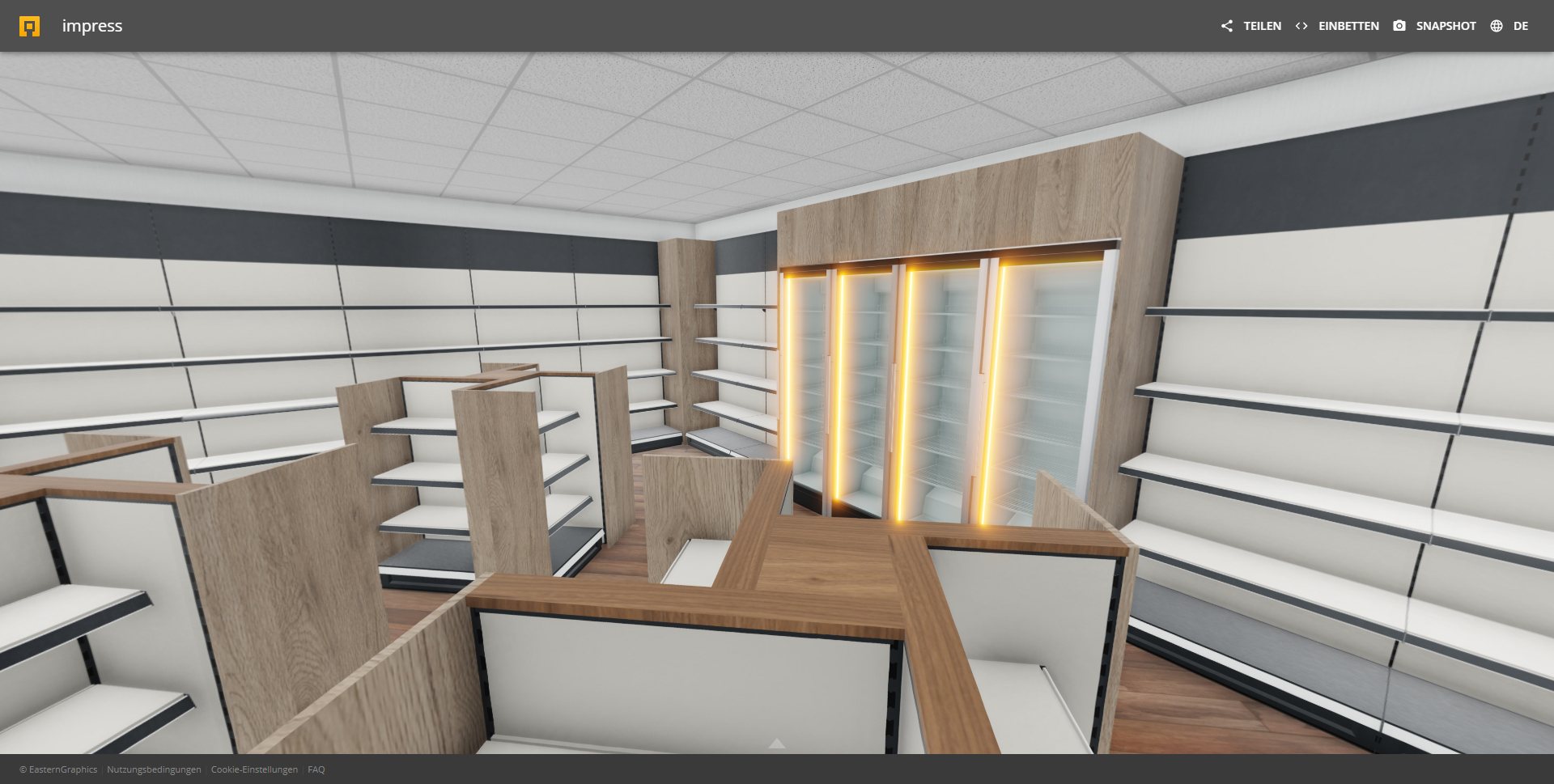
Here too, you now have the option to share, embed, or create a snapshot.
Examples
Embedded 3D Model
Embedded 360° Panorama