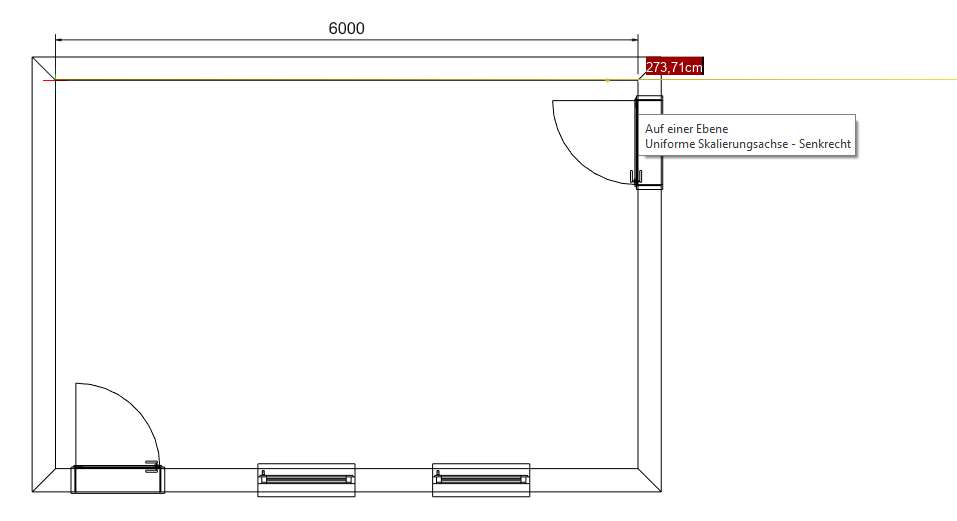
Import 2D floor plan
If you have a 2D floor plan available in a format supported by visual-STORE, you can use it as a template for your planning.
Import options
- The 2D floor plan can be imported using „Drag & Drop“.
- The 2D floor plan can be imported into your design via File -> Import.
Important: The following steps assume that at least one measurement in the floor plan is known.
Floor plan scaling
If the 2D floor plan is not to scale, it must be scaled.
- Select the floor plan with the mouse and choose the Scale tool from the Edit tab.
- Next, click a known measuring distance with 2 mouse clicks
- Now move the mouse slightly to the side so that the floor plan changes size. It is important that a yellow line becomes visible.
- Scaling occurs proportionally in both directions only when this yellow line appears.
Finally, enter the correct measurement in the red marked field and confirm with [ENTER]. The floor plan now has the correct dimensions.