
Creating Corner Shelves
For example, open the Tego catalog and load the following assemblies.
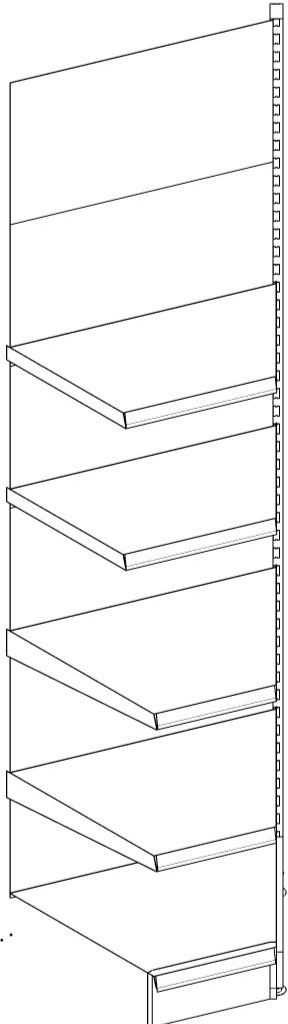
Reading assemblies
- S1647KA
- GL1624KA
- MB147K | Parameter: vo=0.5/0.9
- MB137K| Parameter: vo=1.3/1.7
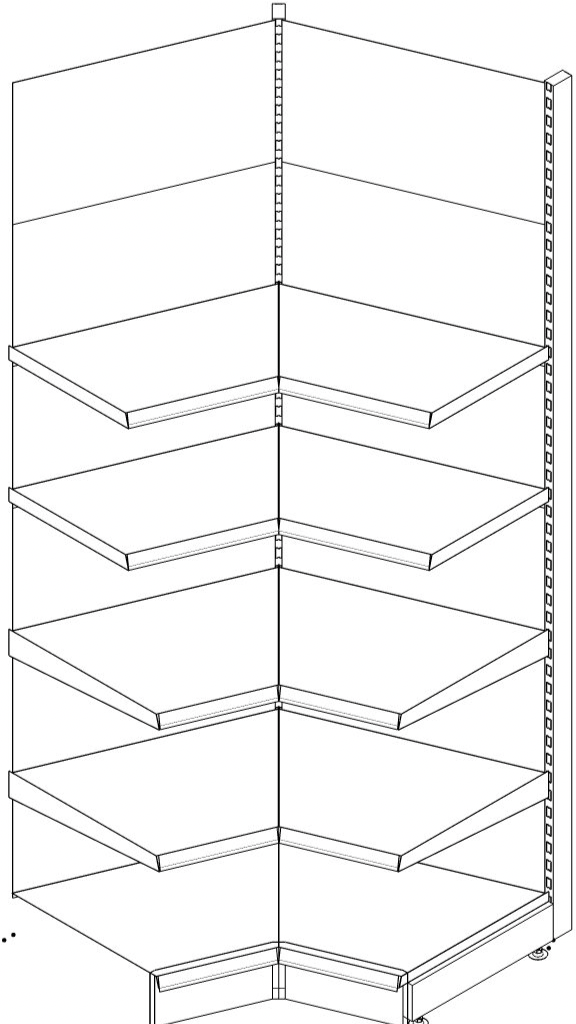
- After loading all assemblies, the section should be as in the image on the right
appearance. - Now go to „Create Group“ and assign the group name, for example: „Attach Wall Shelf Outside Corner“
Create a copy of the corner shelf
- Select the cut, press and hold the [STRG]-Taste and click on the right blue arrow in the crosshairs.
- Now move the created copy a little to the right.
- Now click on the left „Insertion Point“ of the copy you just created, move the shelf to the left, and attach it at the intersection.
- Now mark both cuts and attach them to the right wall-mounted shelf using the coupling points.